Inspect native applications.
Use a Mac's Xcode or simulator environment from Windows, or inspect a Windows application from a Mac. Your project still builds and runs on its own machine; Operelay supplies the desktop view and controls.
For developers
Reach the machine with the project, operating system and native tools you need.
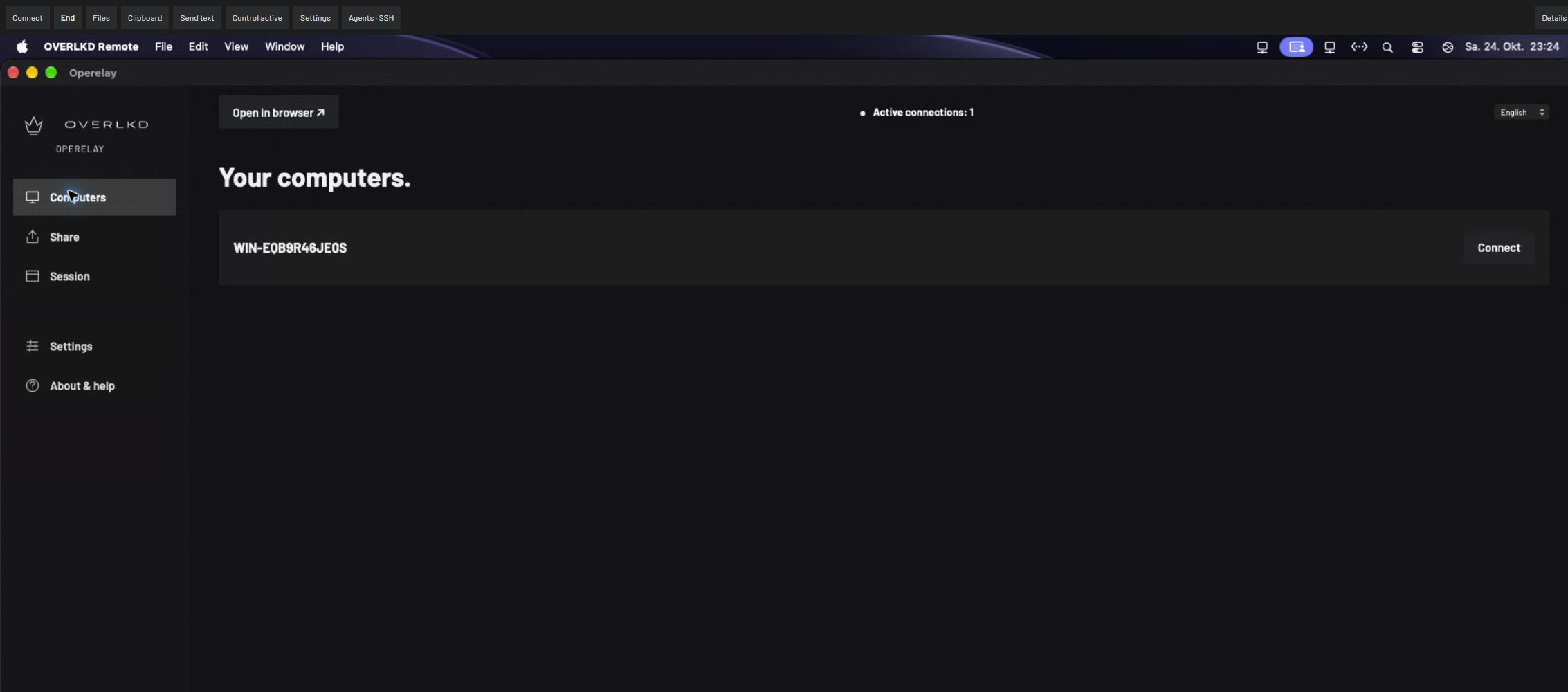
Use a Mac's Xcode or simulator environment from Windows, or inspect a Windows application from a Mac. Your project still builds and runs on its own machine; Operelay supplies the desktop view and controls.
Keep one game instance local and another on the remote computer. Compare visible behavior and existing log windows. Multiplayer correctness, timing and player counts remain part of your own tests.
A separately supplied agent with compatible browser-control tools can use the visible desktop. It operates within the permissions you grant. Agent subscriptions and usage charges are separate; not every tool supports every interaction.
Use the desktop for native UI, simulators and visual checks. Existing command-line access can complement it. This preview does not promise automatic SSH installation or configuration on every system.